Can I try it without my library?
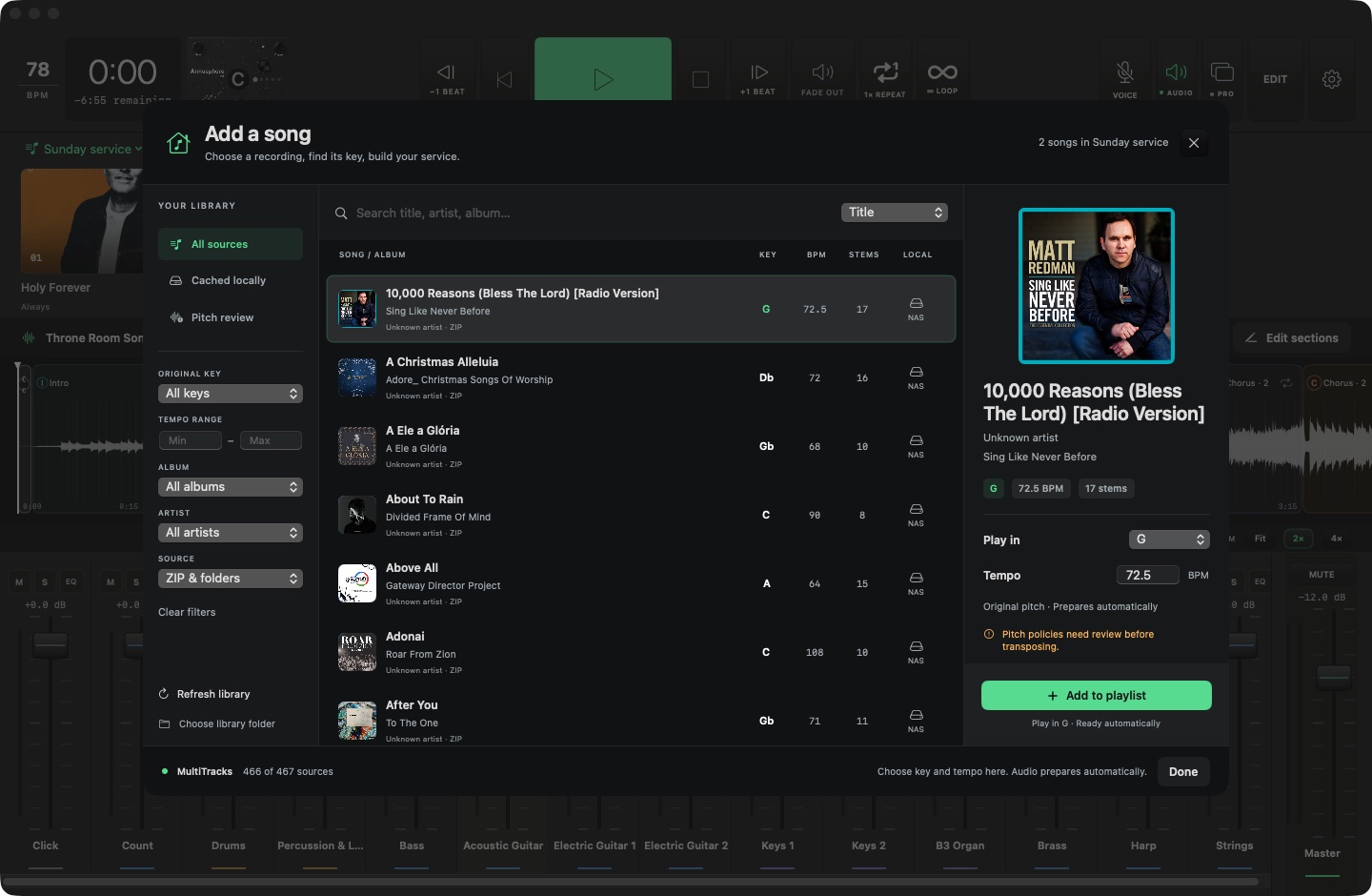
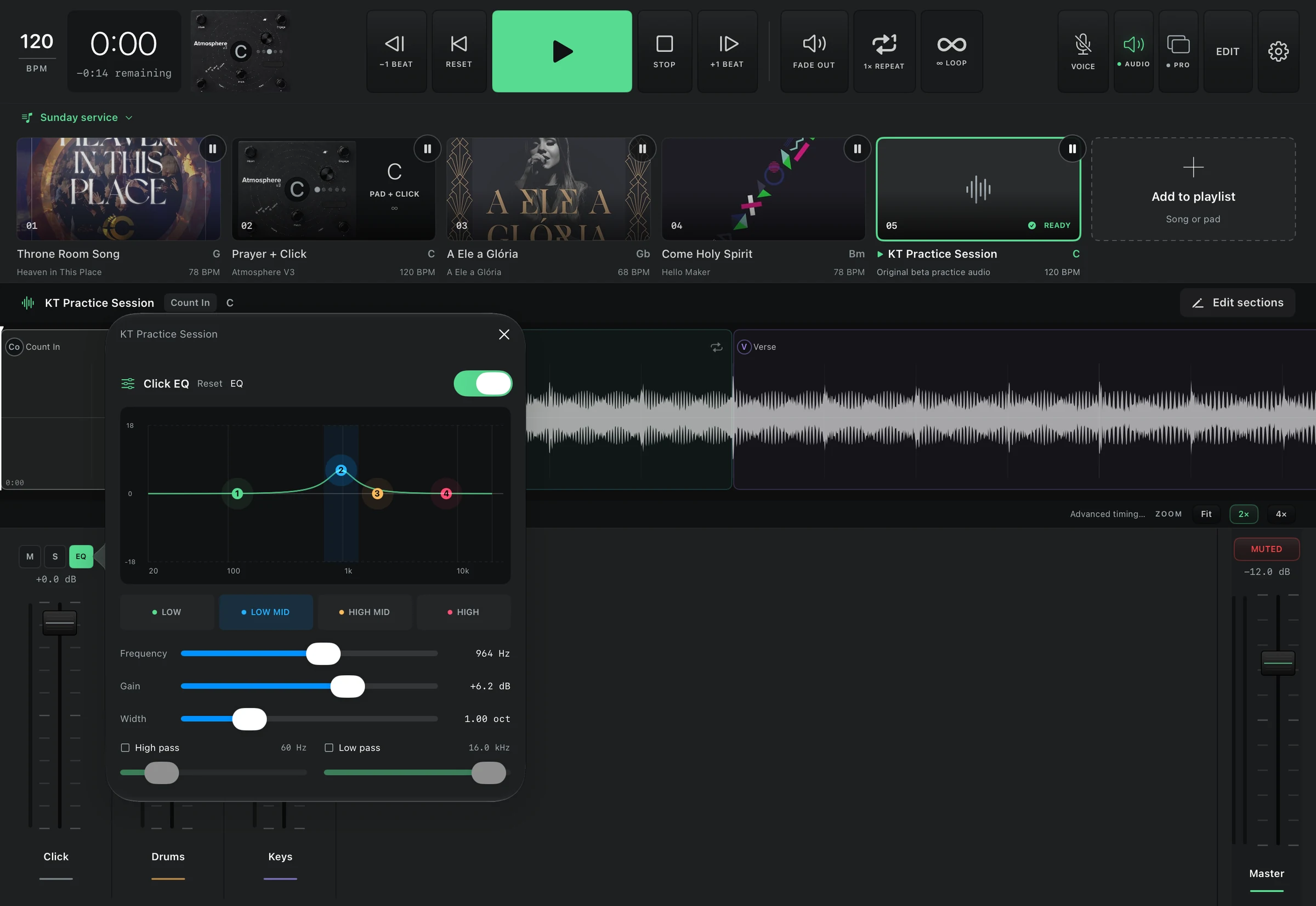
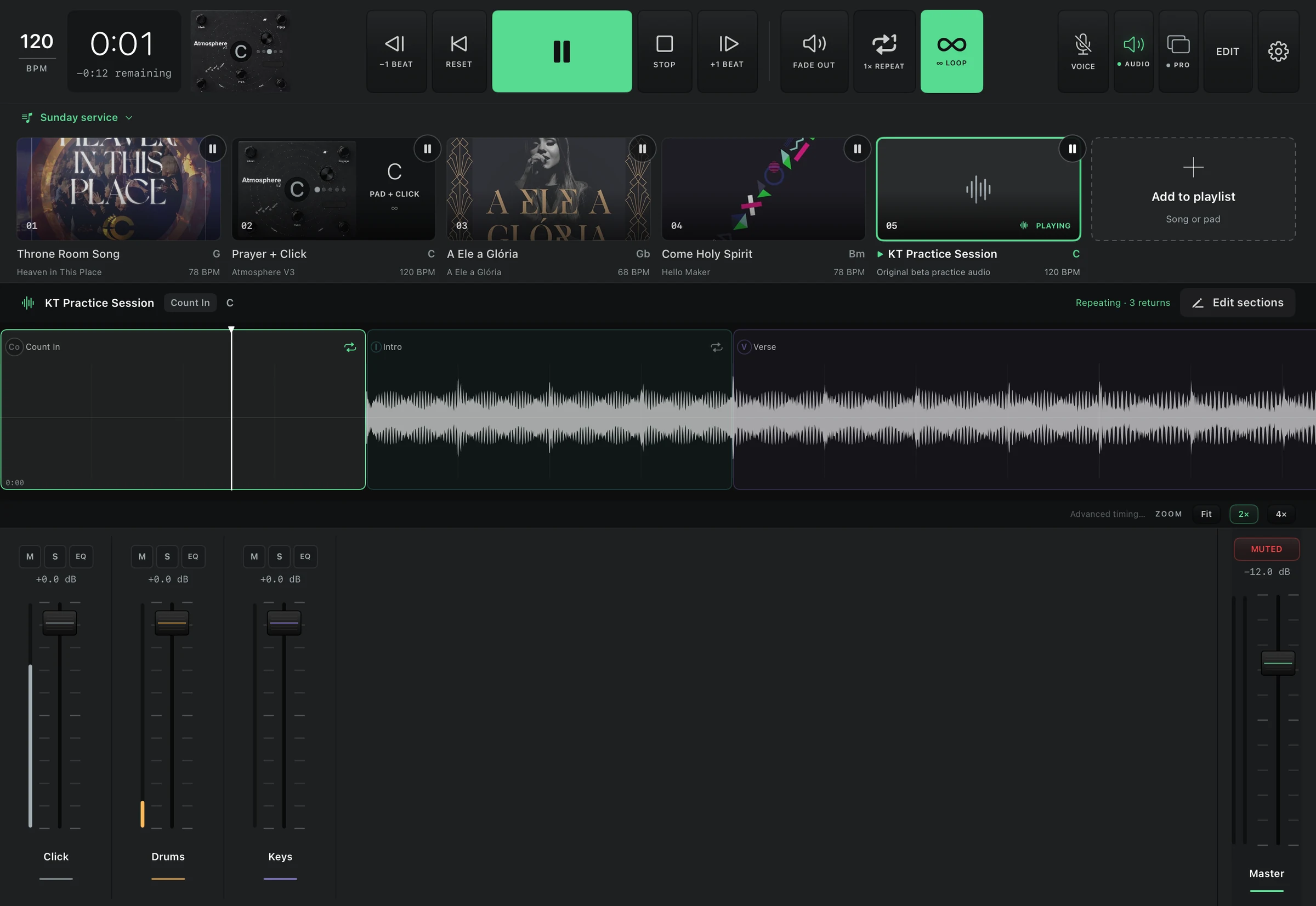
On Mac, open Settings → Library → Load practice library, then add KT Practice Session. On iPad, download the original practice package, unzip it in Files, then import the extracted KT-Practice-Demo folder from the app’s library and add the song. Both use three original synthesized stems and five reviewed sections at 120 BPM; no account or commercial recordings are needed.
Does it include songs or commercial pad audio?
No. Bring multitracks and pad samples you are licensed to use. The preview indexes your library and prepares local playback audio. It does not grant rights to third-party recordings or soundpacks.
Do my songs need to be unzipped on the NAS?
Supported ZIP song packages can stay zipped. The player indexes their contents, then prepares verified local audio for playback. Originals remain on the NAS.
Can I use a different key without changing drums or guide?
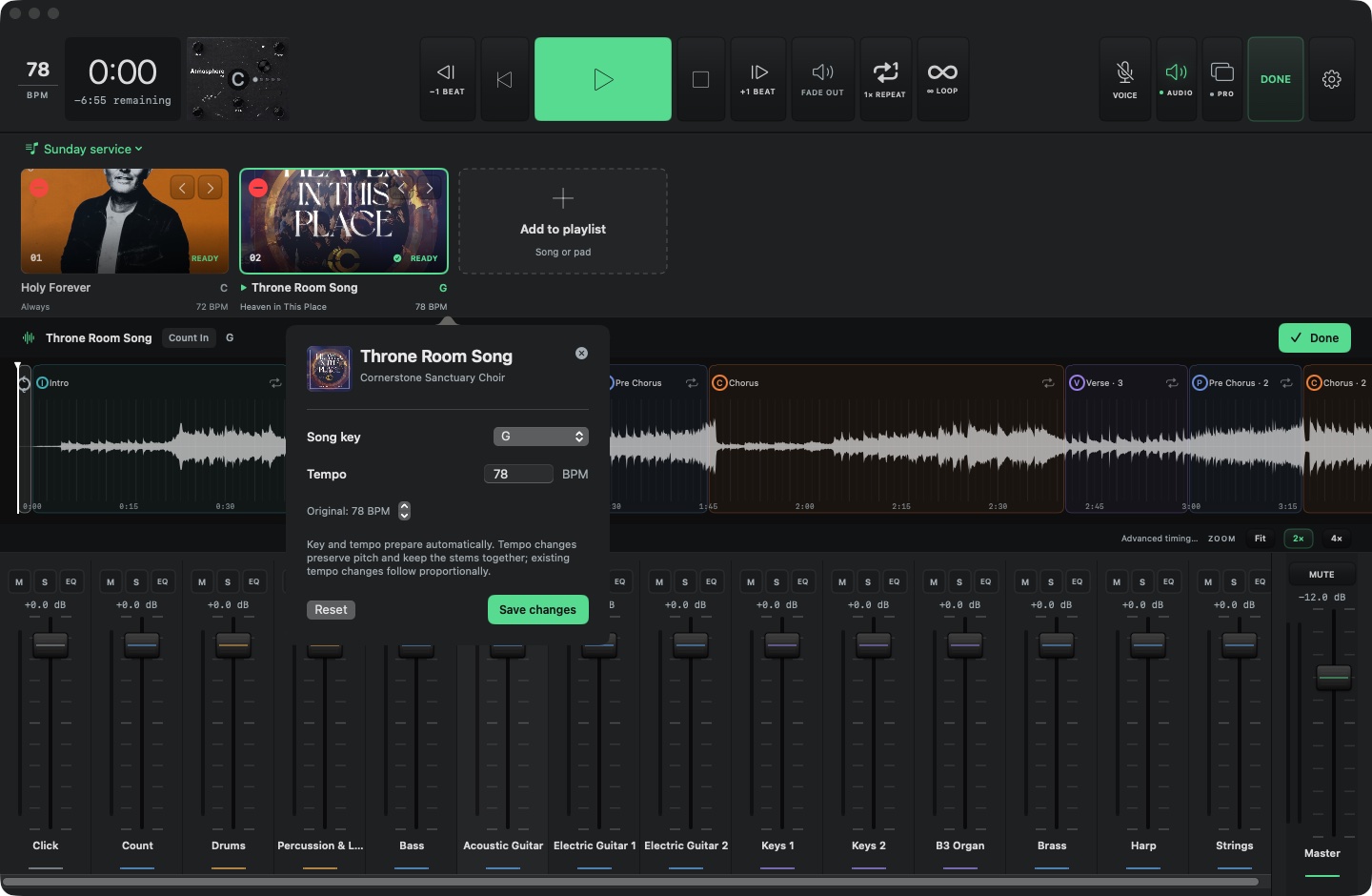
Yes. Key preparation follows each stem’s pitch policy. Pitched instruments follow the selected key; drums, click and guide stay fixed. Ambiguous loops and tonal percussion need review before transposition.
Can I change a song’s tempo without changing its pitch?
Yes. Set the performance BPM for that playlist entry. The player processes every stem together with pitch-preserving tempo adjustment, keeping their shared timeline aligned. Source tempo changes and section beat positions scale proportionally. Rehearse the result with your actual tracks before using a new tempo live.
Can I choose one click sound for the entire set?
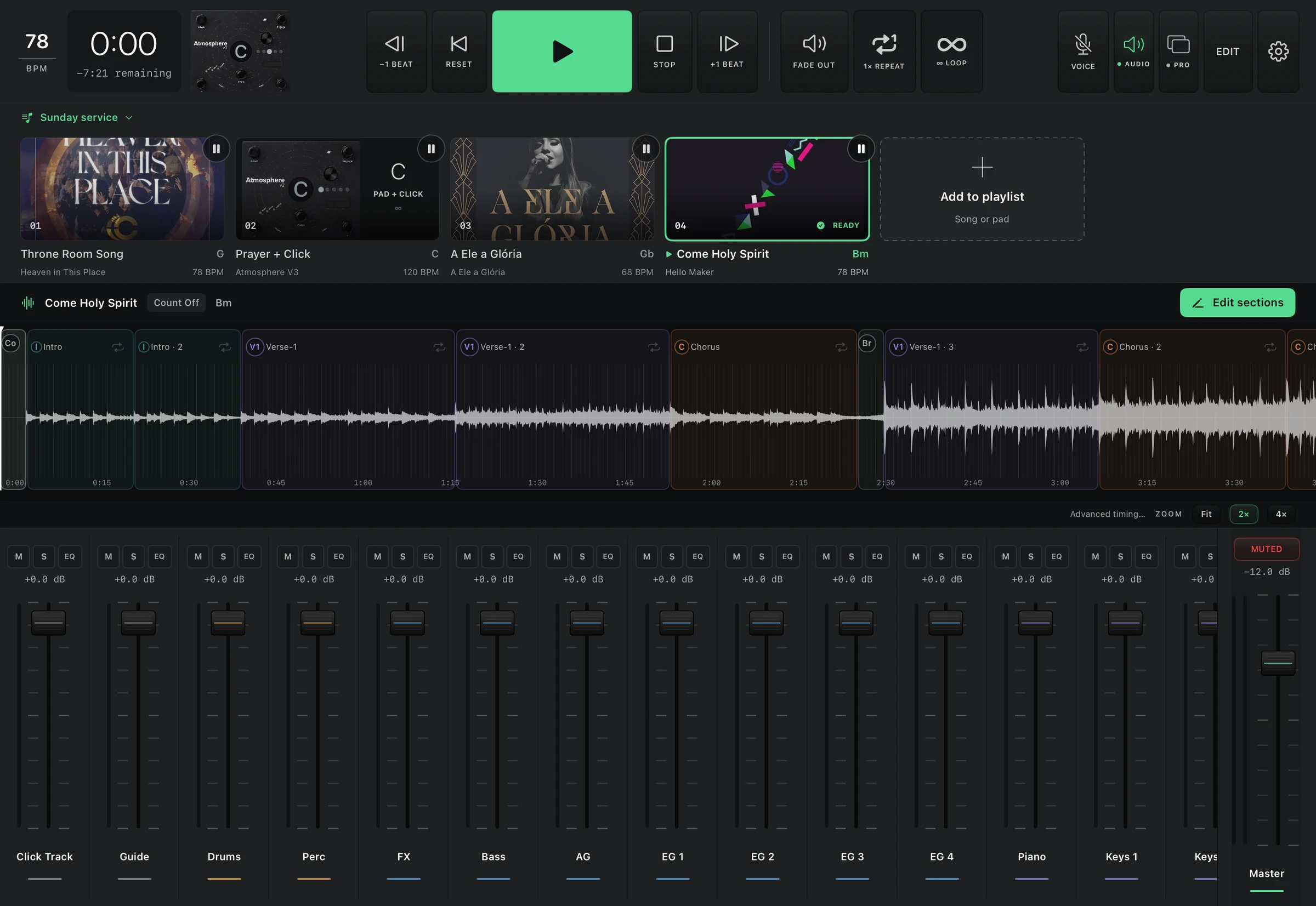
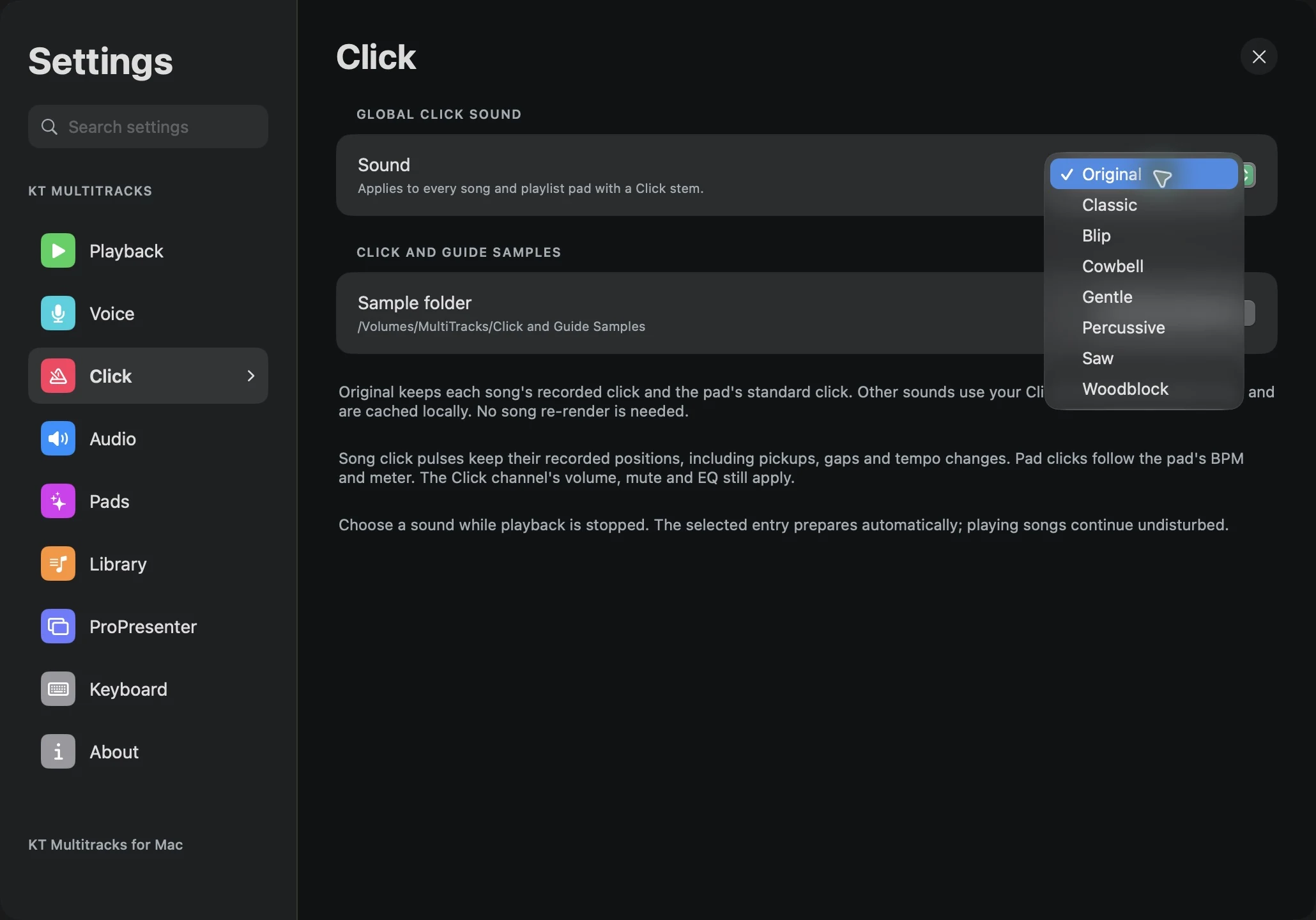
Choose Original, Classic, Blip, Cowbell, Gentle, Percussive, Saw or Woodblock in global Click settings. It applies to song click stems and pad clicks while stopped. For songs, replacement clicks retain the source’s actual pulse positions and gaps rather than rebuilding a guessed constant-tempo grid.
Can I browse remotely and play offline?
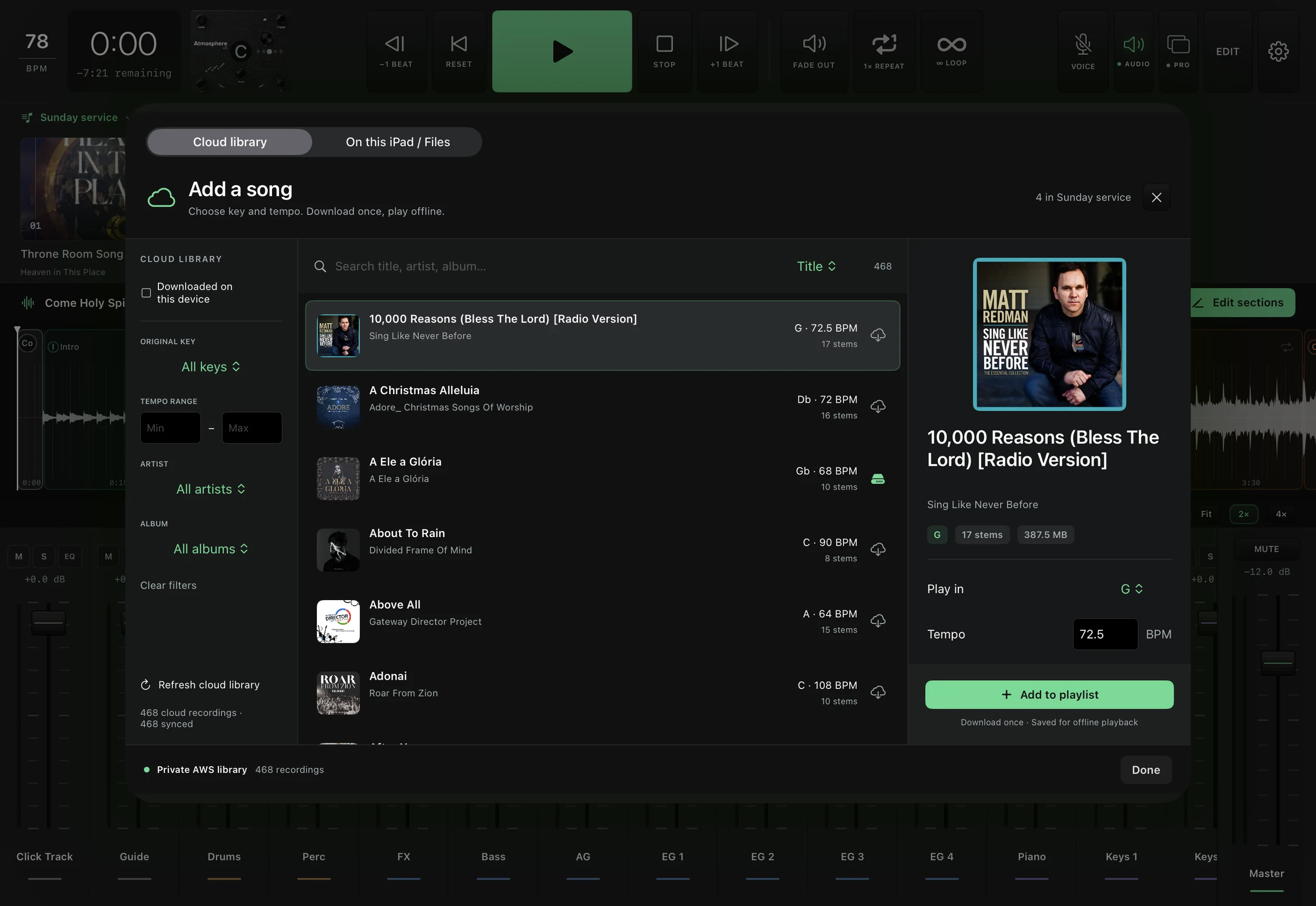
Yes. An authorized Mac or iPad can browse the private AWS library without a VPN, choose key and tempo, and download songs directly. Key and tempo processing happens on that device. A complete downloaded performance can play offline; uncached songs still require a connection.
Does iPad run the full player?
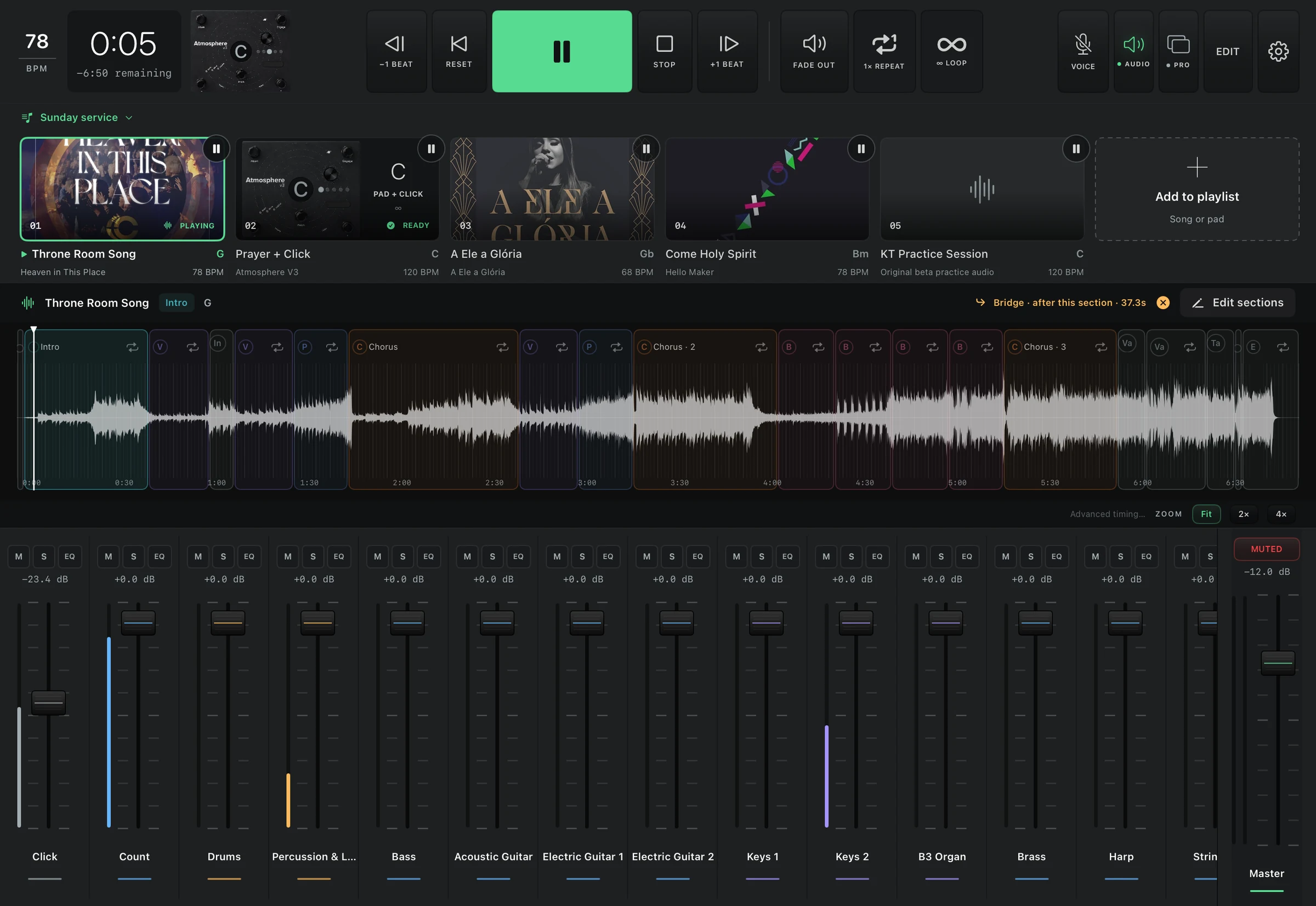
Yes. The iPad beta has its own synchronized playback engine and the same layout, mixer, loops, section controls, pads and voice settings as Mac. Use iPad speakers or a compatible USB audio interface. Stereo music with independent click and guide needs at least four output channels. Native SoundGrid drivers on iPad are not available in this beta.
How do voice commands and section count-ins work?
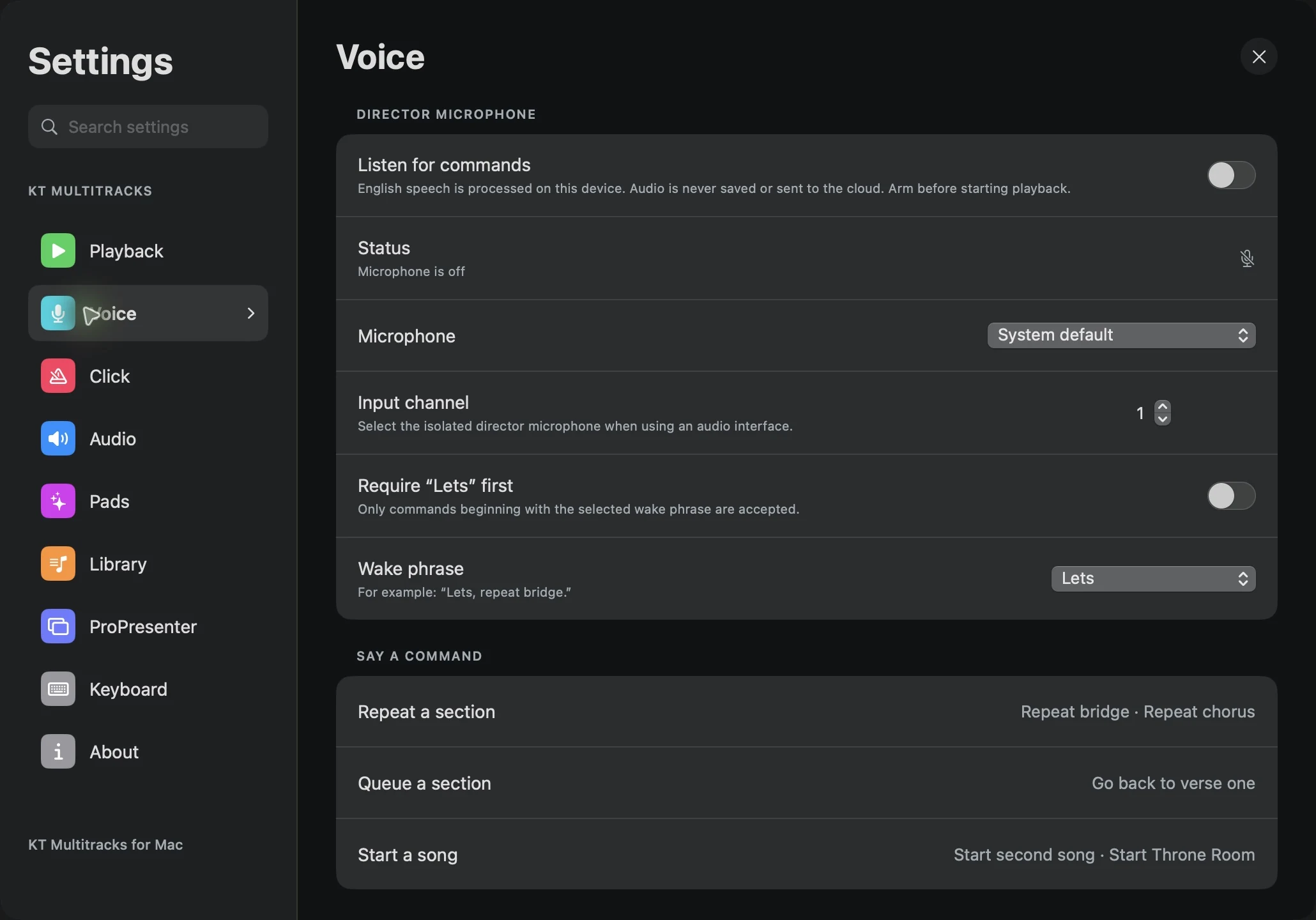
Enable on-device English recognition, select a microphone and optionally require Lets, MT, AI, Vasiya, Jesus, Max or Hey first. Commands such as “repeat bridge” and “go back to verse one” resolve to the reviewed song map. Section count-ins play over the final beats of the current section, without inserting a bar. Voice is optional and needs microphone/speech permissions and an available on-device English model.
How do accounts and library approval work?
Register in the app, verify your email, then sign in. A library administrator must approve access before you can browse or download private recordings. Registration and TestFlight access do not grant rights to someone else’s audio. The new beta account flow includes password reset, sign-out, account deletion, and personal activity history. The first live owner-registration and admin-approval walkthrough is still being validated.
What activity can a library administrator see?
Successful account logins and songs played are associated with the signed-in user. Administrators can review that history and manage library access. Cloud history is retained for one year; microphone audio and voice transcripts are not included. See app privacy for details.
Is this affiliated with MultiTracks.com or Playback?
KT Multitracks is an independent Kulinich Tech project. MultiTracks.com, Playback, Atmosphere, ProPresenter, Planning Center and SoundGrid are names of their respective owners. No affiliation or endorsement is implied.



 Optional click at the pad’s tempo